
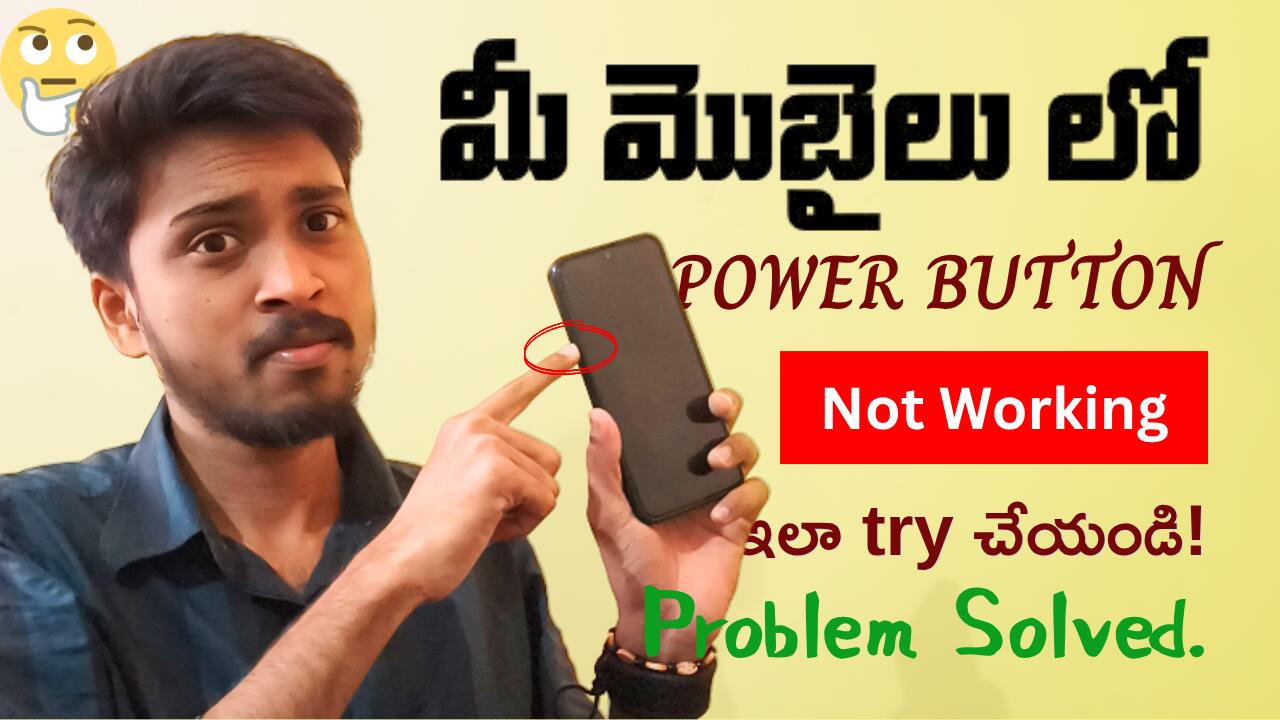
Mobile Power Button Not Working; ✍In this Blog, I’m gonna explain you that How to get Power off and on if our Mobile Power button not working condition, Follow in step-by-step process given below. This works for many devices models/brands try it and get resolve the issue.
📌Mobile Power Button Not Working How to Switch-Off:
Step 1: First we need to Turn on the Accessibility Settings:
Step 2: Go to settings
Step 3: Click on Advanced settings
Step 4: Select Accessibility Option
Step 5: Scroll down to click on Accessibility Menu in (Interactive Actions)
Step 6: Toggle on Shortcut
Step 7: Click on -OK
Step 8: Then a New Icon/Button appears along side of (3 General Buttons we use regularly like [Recent apps, Home & Back Buttons] after this a accessibility icon appears click on that.
Step 9: There will lot of option for different functions that we general do – Then select POWER button.
Step 10: You get a Power Button functionality Options: To do either power off nor Reboot/Restart. Select Power off.
Also Read:
📌How to Switch-On Mobile when Power Button not Working
Step 1: Plugin your Charger Adaptor in Switch Box. Don’t put USB Cable at this point.
Step 2: Connect your USB to Mobile phone
Step 3: Keep in Hold the Volume Up & Down buttons together up to 10-15 seconds.
Step 4: After completion 10-15 seconds, Insert USB cable into Charging Adaptor and Switch-On.
Step 5: You’ll get the Options to select the LANGUAGE? Select ENGLISH.
Step 6: Select Reboot/Restart option to Power On.
A Video Solution for Power Button Not Working
FAQs: Mobile Power Button Not Working Solution
How to switch on phone when power button not working?
Ans: To power on mobile when cell phone power button is not working; Follow this steps below:
Step 1: Plugin your Charger Adaptor in Switch Box. Don’t put USB Cable at this point.
Step 2: Connect your USB to Mobile phone.
Step 3: Keep in Hold the Volume Up & Down buttons together up to 10-15 seconds.
Step 4: After completion 10-15 seconds, Insert USB cable into Charging Adaptor and Switch-On.
Step 5: You’ll get the Options to select the LANGUAGE? Select ENGLISH.
Step 6: Select Reboot/Restart option to Power On.
For better understanding: Watch the video tutorial published in website; PerumalTech.in
What to do if the mobile power button is not working?
Ans: Don’t worry I have a solution; Firstly, Try to know why this occurs? Usually this happens due to the mobile button stuck or broken or long usage/getting old or internal software issue.
Here’re the ways to switch & off when phone power button not working; Ir-respective of mobile brand/models by using the Combination Charging & Volume button to restart and to power off use the Accessibility features in setting.
Watch a detailed practical guided video is available in our website; perumaltech.in
How to power off if the power button is not working?
Follow this steps to power off when cell phone switch is not working;
Step 1: First we need to Turn on the Accessibility Settings:
Step 2: Go to settings
Step 3: Click on Advanced settings
Step 4: Select Accessibility Option
Step 5: Scroll down to click on Accessibility Menu in (Interactive Actions)
Step 6: Toggle on Shortcut
Step 7: Click on -OK
Step 8: Then a New Icon/Button appears along side of (3 General Buttons we use regularly like [Recent apps, Home & Back Buttons] after this a accessibility icon appears click on that.
Step 9: There will lot of option for different functions that we general do – Then select POWER button.
Step 10: You get a Power Button functionality Options: To do either power off nor Reboot/Restart. Select Power off.